
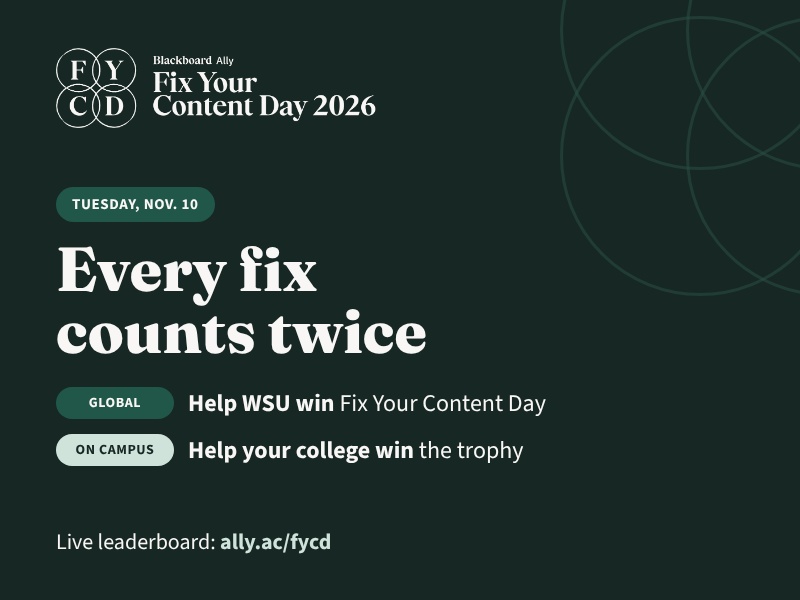
Wichita State wants to win Blackboard’s Fix Your Content Day, and every instructor can help. On Tuesday, Nov. 10, faculty and staff are encouraged to spend time in Blackboard Ally improving the accessibility of their course content.
Fix Your Content Day is a global competition. Campuses around the world race to fix as much course content as they can in a single day, and every fix moves Wichita State up the live leaderboard.
This year, each fix counts twice. The same improvements also count toward a campus competition: the college with the most accessibility improvement in Blackboard will win a certificate and trophy.
How to make a fix
- Open a course you teach in Blackboard.
- Look for the Ally accessibility score dials next to your files and content. Red (low) and orange (medium) dials need the most help.
- Select a red or orange dial. Ally opens a feedback panel that shows what’s wrong.
- Follow Ally’s steps to make the improvement. Try the AI Alt Text Assistant for images and PDF Quick Fixes for missing titles, language and tags.
- Keep going. A file doesn’t need to reach 100% to count as a fix.
New to Ally? The Fix Your Content Day page has help guides and short videos, including an overview of Ally for instructors and how Ally feedback works in Blackboard.
Find the live leaderboard, step-by-step help and videos at wichita.edu/fycd. The leaderboard is also available at ally.ac/fycd.
For questions, contact OIR@wichita.edu.