
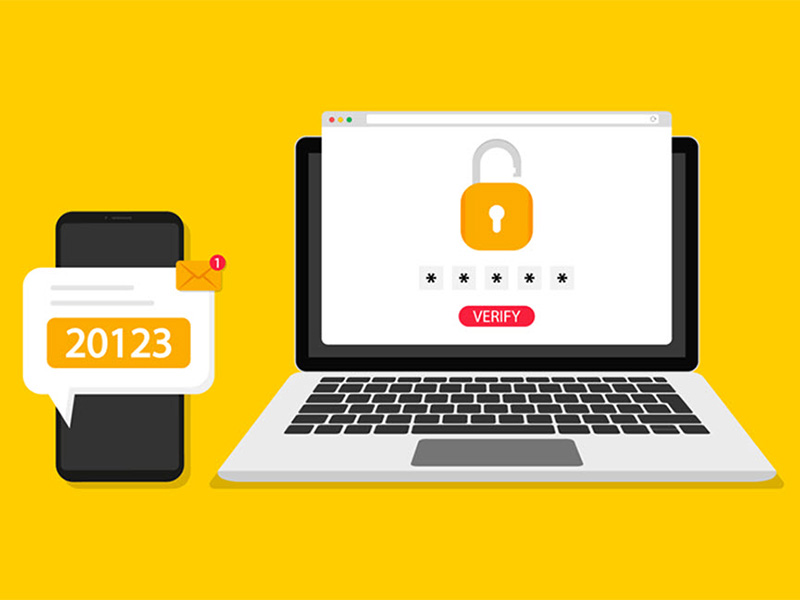
Microsoft is changing the way that multi-factor authentication (MFA) works to improve the security of their customers, including WSU. Students who use phone calls or text messages for MFA will soon be prompted to set up a more secure authentication method. Make sure you’re aware of the security enhancements coming to students by reviewing the following information.
What’s changing? Beginning Sept. 1, students who use text messages or phone calls to authenticate when signing in to WSU systems will be prompted to set up a safer verification method. By Feb. 1, 2027, students who use only text or phone call authentication will be required to set up an alternative method to continue using university systems.
Why is this happening? Microsoft is moving away from text message and phone call verification because those methods are the most vulnerable and provide significantly weaker protection against cyberattacks. Moving to phishing-resistant verification methods keeps WSU data secure.
What does this mean for students?
- Students who already use a passkey or another phishing-resistant method may not notice a change.
- If a student uses text messages or phone calls for verification, they will be asked to set up a passkey after signing in.
- Students may be able to postpone setup at first but completing it early will help prevent sign-in problems later.
- Instructions for setting up MFA and passkeys can be found on the Microsoft Multi-Factor Authentication for Students webpage.
To continue signing in to WSU systems after Feb. 1, 2027, make sure your students have a phishing-resistant authentication method set up.
Need assistance? Contact the Help Desk at 316-978-4357, option one, or helpdesk@wichita.edu.