
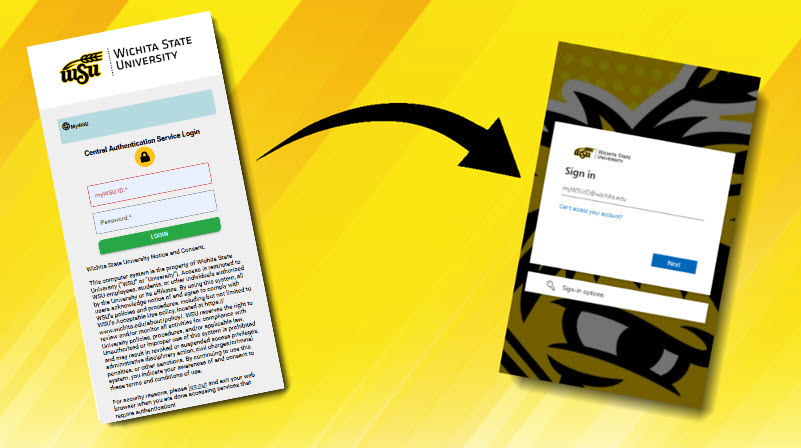
As part of a continuing effort to improve user authentication processes across WSU enterprise applications, the way that users will login to myWSU and Banner is changing. Users will now be prompted to sign in with their myWSUID@wichita.edu as their username and continue to use their current WSU password.
Users who have already logged into a system using this login procedure, such as Microsoft 365, may not be prompted to enter their username or password when signing into these applications.
Information Technology Services (ITS) plan to make this change on Tuesday, Feb. 24.
For questions, contact ITS Helpdesk at 316-978-4357, option 1 or helpdesk@wichita.edu.